Gaming Desk Setup: RGB Without the Clutter
How to use RGB as lighting layers, keep glare away from the screen and build a gaming desk that stays usable.
RGB is easy to overdo. When every surface glows, the desk becomes a light show and the screen becomes harder to read. The better approach is to treat RGB as background and accent lighting, keep the working area neutral and let one or two elements carry the color.
The catalog items below are real. We describe their listed role, not measured brightness, latency or performance that we cannot verify.
1Light the wall, not your eyes
A light strip attached to the back of the monitor or the desk edge creates a glow on the wall without shining into your eyes. A light bar behind the monitor can do the same. Keep the source out of your direct field of view and away from the screen surface.
If the RGB reflects on the display, move the source further back or reduce its brightness. A dark room with one strong strip can cause more glare than a softer, layered setup.

2Use one color family
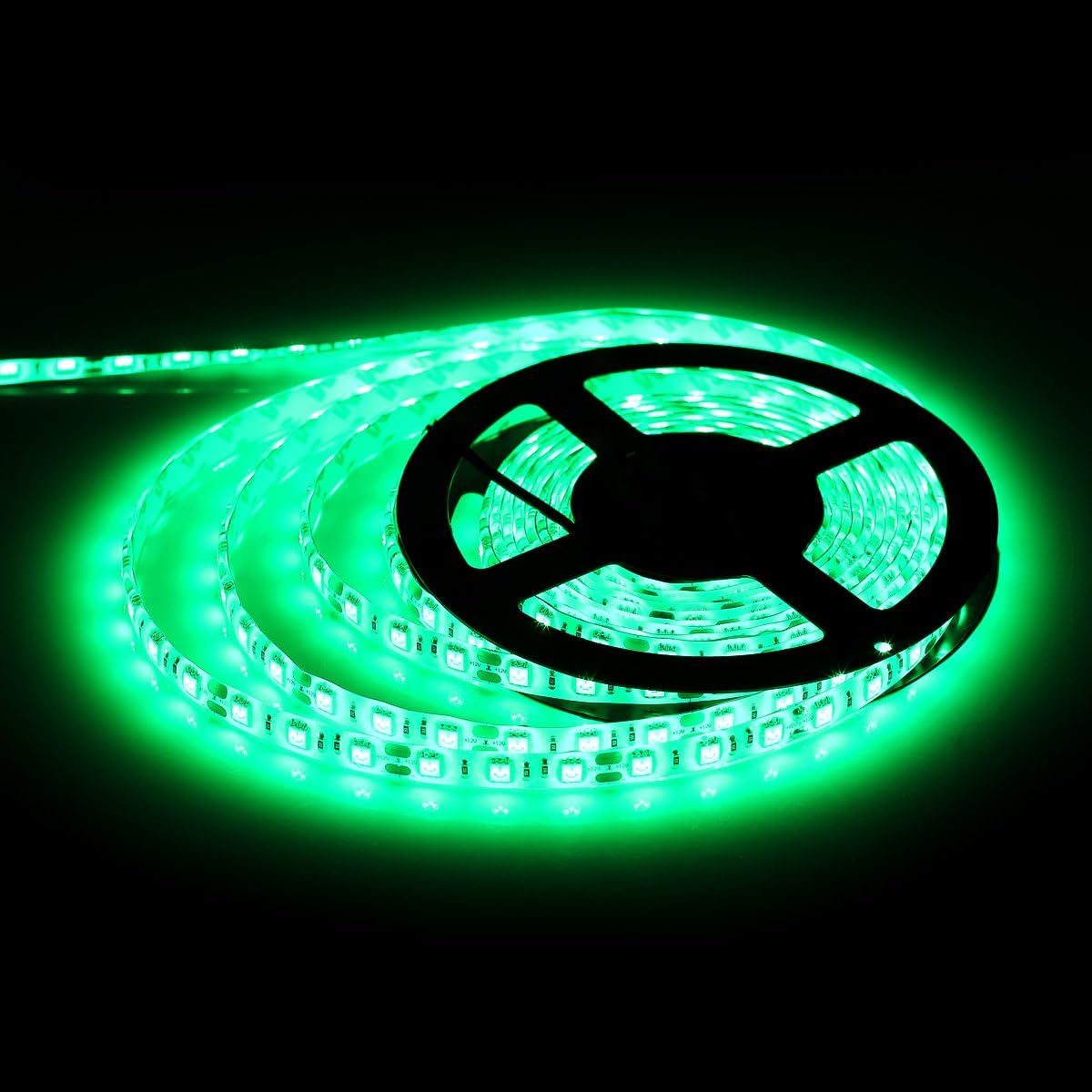
A green strip, a magenta key light and a blue mouse can look like three different setups. Choose one or two colors and repeat them. If your keyboard and mouse already have RGB, let the background light support them instead of competing.
Single-color strips are simpler and often cheaper; multi-zone strips allow gradients but add an app and more settings. Decide whether you want a fixed mood or a configurable one before buying.
3The desk still has to work
Gaming setups often accumulate cables, controllers, headsets and a second screen. Route the cables before adding more light. A monitor arm and an under-desk tray create space and make the RGB look intentional instead of messy.
Choose a mouse for comfort and grip first. RGB is not a performance feature. A wireless mouse without lighting can be a better fit for a clean desk, and a wired lightweight mouse can be a better fit for a budget.


4Audio and focus
A headset with a boom microphone is useful for calls and team games; a lightweight wired headset can be enough if you already have a separate microphone. Check comfort and connection type rather than assuming that a larger headset sounds better.
If you play or work at night, keep a warm task light for the desk and use RGB only as background. A room lit only by RGB is atmospheric but tiring for reading and note-taking.


Our picks
- 1

Keyboards
ASUS ROG Strix Scope RX Gaming Keyboard, Red Optical Switches
A gaming keyboard with RGB lighting; choose it for the layout and switch feel, not only for the glow.
See productAffiliate link - 2

Mice
GLORIOUS Model O Wireless Gaming Mouse, Matte Black, RGB
A lightweight wireless gaming mouse with RGB, for a desk where lighting is part of the theme.
See productAffiliate link - 3

Mice
Logitech G305 Lightspeed Wireless Gaming Mouse, Black
A wireless gaming mouse without RGB, useful if you prefer a quieter desk or a simpler budget.
See productAffiliate link - 4

LED strips
Govee RGBIC LED Strip Lights, 16.4 ft, App Control
A multi-color LED strip for background lighting; keep it behind the desk or monitor to avoid glare.
See productAffiliate link - 5

Light bars
Govee RGBIC Gaming Light Bars H6047 (Wi-Fi)
Gaming light bars that can sit behind the monitor as a background layer.
See productAffiliate link - 6

Headsets
Redragon Wired Gaming Headset with Microphone, 203g
A lightweight wired headset for calls and games, useful if you want a simple audio option.
See productAffiliate link
Use RGB as background light and keep a practical task light for work. Choose input devices for comfort first. Confirm compatibility, connection type and controls on the current Amazon listing.
These guides are based on the product information shown in our catalog and publicly available listings. They are not hands-on lab tests, and prices or availability may change.
As an Amazon Associate I earn from qualifying purchases. Some links on this page are affiliate links. If you buy through them, we may earn a commission at no extra cost to you. Affiliate disclosure