Best Desk Lighting for Working
How to combine task and ambient light, reduce glare and choose between a desk lamp and a monitor light.
Good desk lighting is not about maximum brightness. It is about putting enough light where you read and type, keeping glare off the screen and giving the room a background level that does not feel like a cave. Two modest layers usually beat one very bright source.
This guide explains general lighting principles and points to real catalog items. It does not invent lumen, CRI or color-temperature figures that we cannot verify from the listing.
1Layer one: task light
The task light is the one that lets you read a document or see the keyboard without turning the whole room into daylight. A desk lamp with a shade directs light downward; a monitor light bar puts light on the desk from above the screen. Both can work; the right one depends on desk depth and screen position.
Place the task light to the side of your dominant hand so it does not cast a shadow where you write. Avoid pointing it directly at the screen or at your eyes. If you can see the bright source reflected in the display, move the light or change its angle.
2Layer two: ambient light
Ambient light reduces the contrast between the screen and the wall behind it. A soft light bar behind the monitor, a small lamp in the corner or a warm LED strip can do this. The goal is a background glow, not a second task light.
Avoid placing a strong light directly behind the screen if it creates a halo that makes the screen harder to read. Indirect light bounced off a wall is usually more comfortable than a visible bright source.


3Color temperature and brightness
Warm light is generally more restful in the evening; cooler light can feel more alert during the day. Many lamps offer several modes, so you can change the balance without buying a second fixture. If the lamp has a dimmer, use it: the brightest setting is rarely the most comfortable at night.
There is no single correct color temperature for everyone. Match the room and the task, and avoid mixing very warm and very cool sources in the same field of view if the contrast feels uncomfortable.

4Desk lamp or monitor light?
A desk lamp is more flexible: you can move it, point it at a notebook or use it as ambient light. It needs desk space and may cast a shadow if it is placed on the same side as your writing hand. A monitor light saves desk space and lights the keyboard area evenly, but it depends on the screen thickness and the shape of the top edge.
If you use a laptop with a very thin screen or a monitor with an unusual bezel, check compatibility before buying a monitor light. A clamp or a weighted base can also damage a delicate finish; use a protective pad if needed.
Our picks
- 1

Desk lamps
EZIYIN Desk Lamp, wood base with flaxen fabric shade
A warm desk lamp with a wood base and fabric shade for a contained pool of light.
See productAffiliate link - 2
Desk lamps
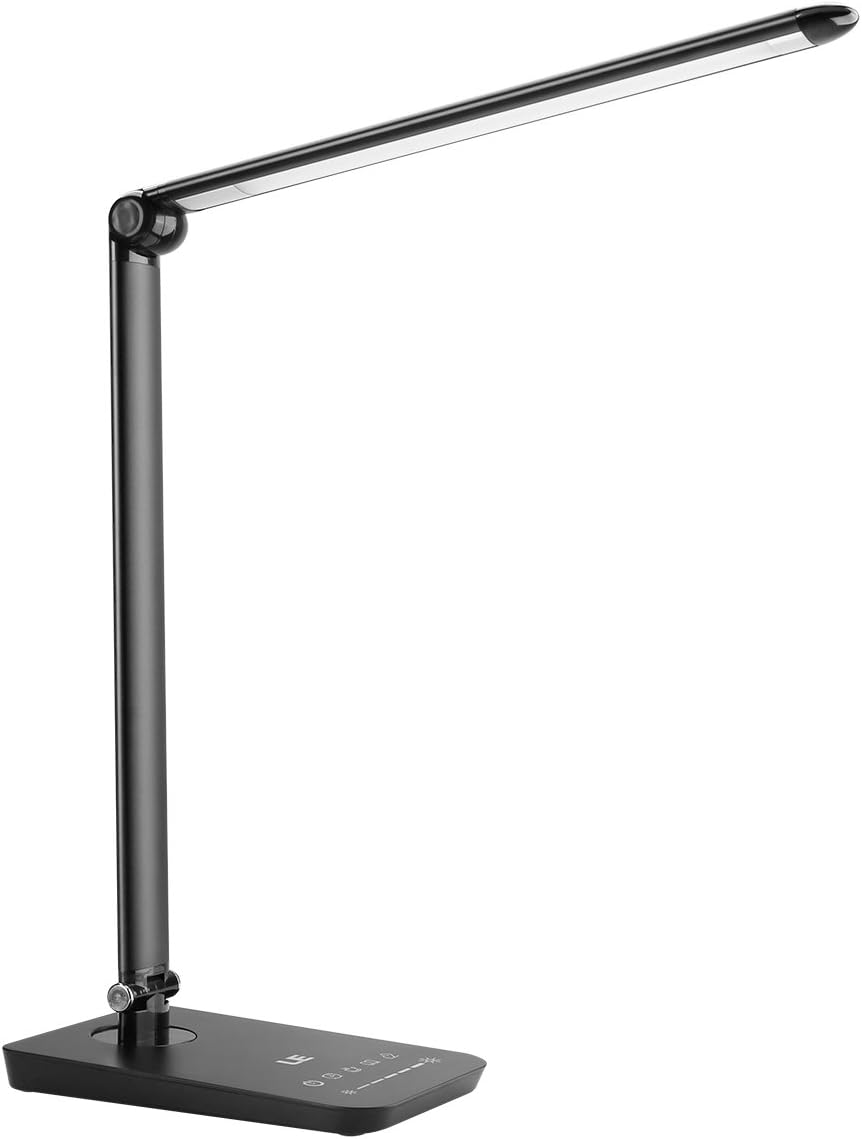
LE Dimmable LED Desk Lamp with USB Port, 3 color modes
A dimmable LED desk lamp with several color modes and a USB port; use the warm mode at night.
See productAffiliate link - 3

Monitor lights
BenQ ScreenBar LED Monitor Light
A monitor light bar designed to illuminate the desk without taking surface space.
See productAffiliate link - 4

Monitor lights
BenQ ScreenBar Halo LED Monitor Light Bar
A monitor light with a backlight and wireless controller for a more layered setup.
See productAffiliate link - 5

Ambient lighting
Govee Smart Light Bars RGBICWW (Bluetooth)
Smart light bars that can run in warm tones for ambient light behind the desk.
See productAffiliate link
Start with one task light you can aim, then add a soft background layer if the room feels too dark. Check compatibility, bulb type and controls on the current Amazon listing.
These guides are based on the product information shown in our catalog and publicly available listings. They are not hands-on lab tests, and prices or availability may change.
As an Amazon Associate I earn from qualifying purchases. Some links on this page are affiliate links. If you buy through them, we may earn a commission at no extra cost to you. Affiliate disclosure